User Guide
Tracking Wallets
Wallets
The Wallets page retrieves a summary of all wallets existing within the customer’s workspace/tenancy. Select any wallet to drill down to see additional information on the wallet. Seeing the wallet activity and analytics is important to many roles within the financial ecosystem such as issuers, transfer agents, distributors, and wealth managers.
- 1
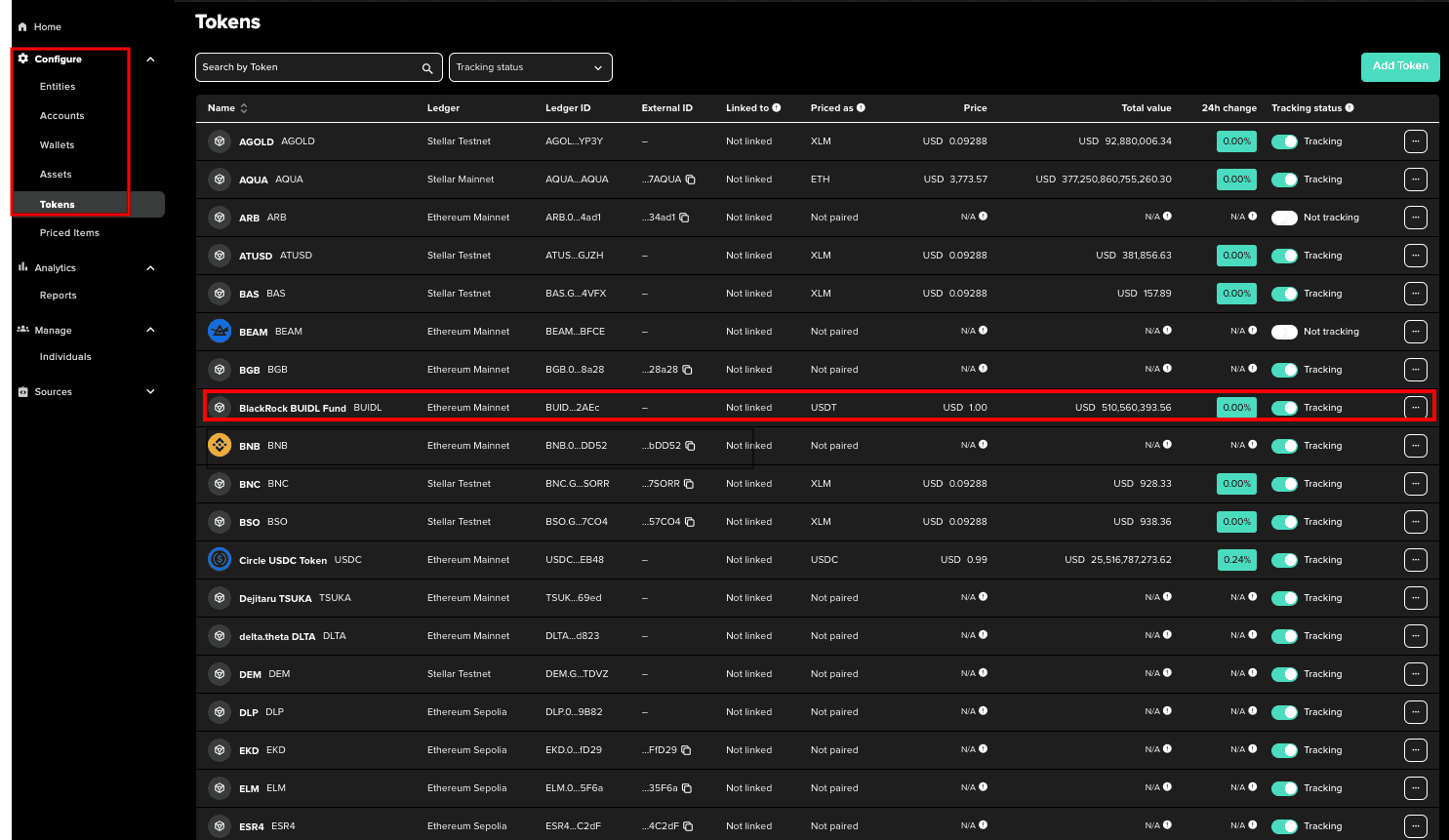
Select Wallets from the Configure navigation menu.
- 2
Select a wallet to view columns, including name, wallet ID, Ledger, Total Value, 24h change, and tracking status.
Wallet Details
Click the three dots on the right side of the wallet detail to display available actions:
View
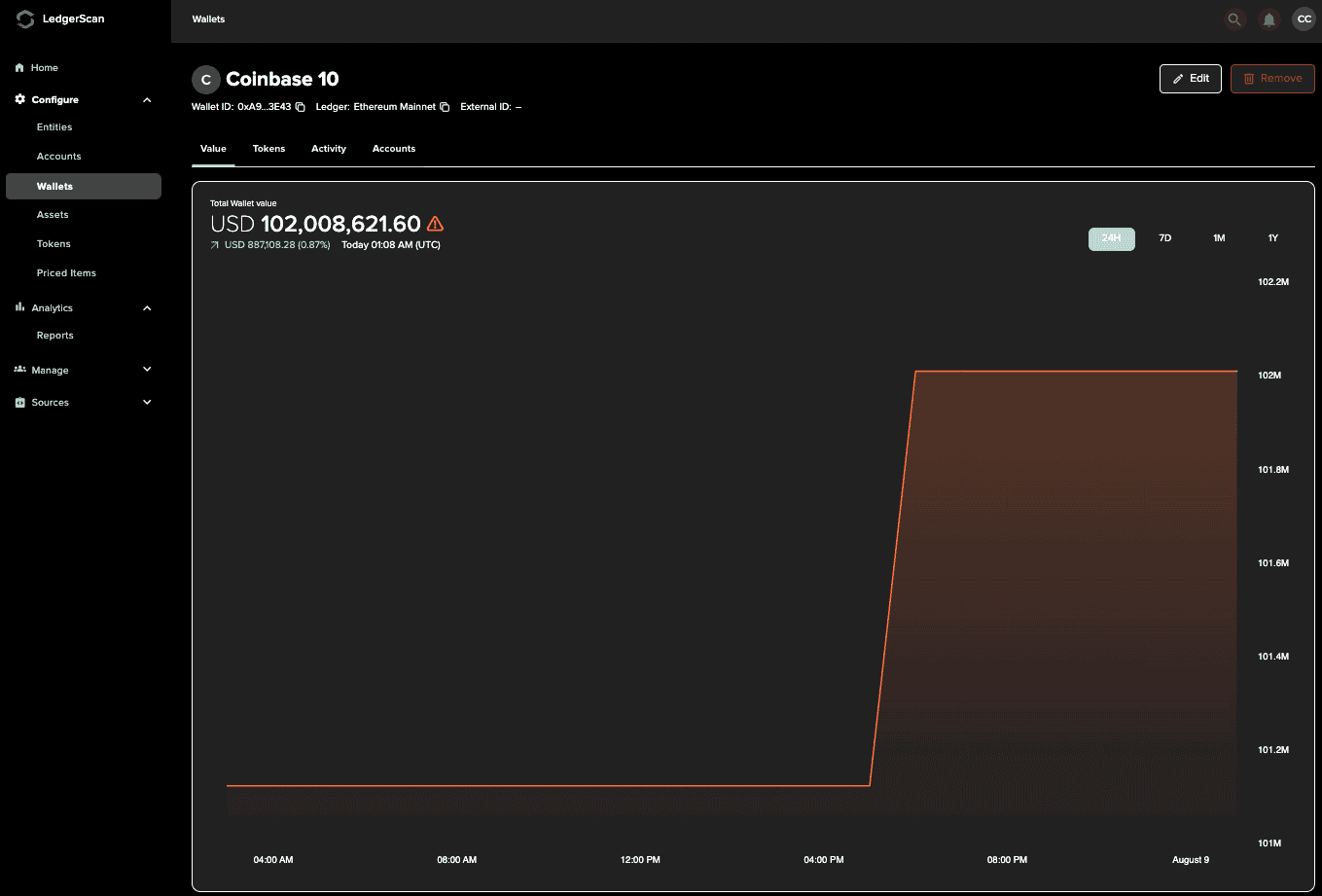
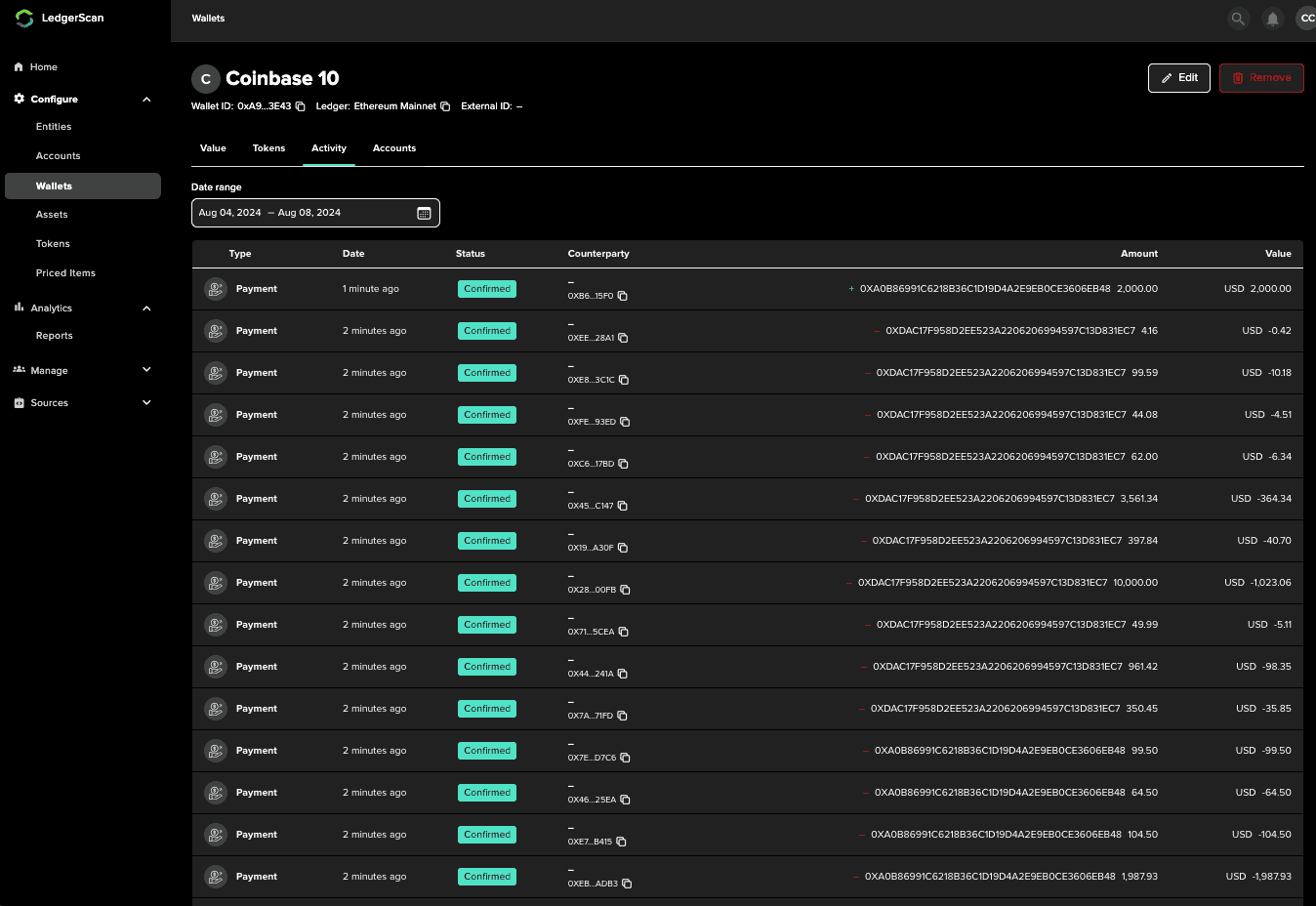
Drill into the details of the wallet to view Value history, holdings, and activity.
Note: Selecting View has the same behavior as clicking on the wallet row.
Edit
Edit certain fields of the wallet
Link to Account
Link the wallet to a pre-configured Account. Multiple wallets may be linked to a single account to establish a hierarchy of Accounts and wallets. (coming soon)